
Tasks and Research: Every Confirmed Task Type
Quick answer
Tasks are the job in Backrooms: Code Yellow: complete the day's work, collect data, make it back, get paid. The developer has listed the launch task types directly in community posts - here they are, with what each one asks of your team.
Confirmed task types
| Task | What it involves | Field notes |
|---|---|---|
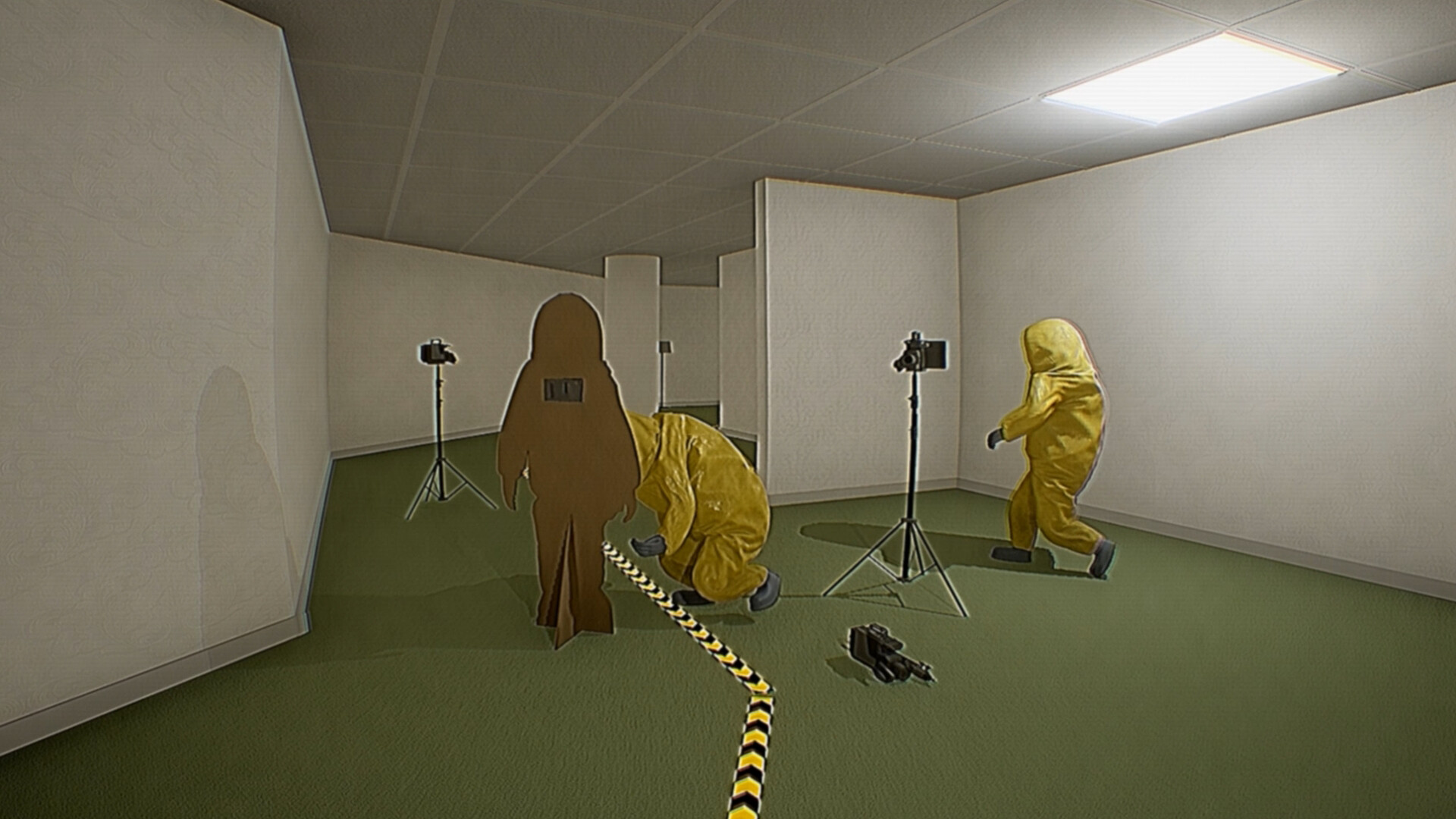
| Record the entities | Capture life forms, still lifes and entities on camera | Risky by definition - shoot from safety with an exit line open |
| Photograph architecture and clipping objects | Document unusual structures and geometry glitches | Good travel-side work; fold it into your route |
| Recover a lost employee | Find a missing employee and bring them back | Search-and-extract: the return leg is the dangerous half |
| Set up remote cameras | Install cameras across multiple locations | Spread-out setup job - cover each other while placing |
| Collect and hand in data | Gather strange objects and turn them in at the lab | Only pays when it is out of the complex and at the lab |
Why tasks beat loot
The store page says it plainly: "Work together to explore, complete tasks, collect data, and return to earn funding for the next days work." The currency of a run is completed, returned work - so the paperwork is the point, and the exit is the payday. A run that dies deep can wipe an entire day.
Task strategy notes
- Match tasks to your squad's nerve. Photography routes suit cautious teams; entity recordings belong to crews that are comfortable getting close and leaving fast.
- Fold documentation into travel. Architecture shots and clipping-object photos are free if you take them along your route instead of detouring for them.
- Bank before you gamble. Turn in what you have before attempting a deep task on the same day.
- Assign the lab run. Someone has to physically hand the data back - don't assume everyone walks home together.
What's still unconfirmed
Payouts per task, how many tasks a day holds, and whether task load scales with squad size are not published yet. Checked against the launch build; updated as details emerge.
When a completed task does not register
Match the failure to the update before throwing away a recording. Launch-day fixes addressed both depositing footage into the dropbox and recorded entity footage failing to complete its turn-in task. Photographing or recording the subject alone is not the same as returning and completing the lab hand-in.
For a Lost Employee run, update through Patch #16, which improves pathing stability. Earlier fixes address employees spawning inside walls, not appearing after a new day, changing location on load, and failing to exit the lab through spawn. Those are patched failure modes, not additional puzzle steps you need to solve.
Directional tape disappearing on clients was addressed in Patch #12; the same patch fixes research data failing to save/load visually. If the host sees a marker but a client does not, first confirm everyone has the update before replacing every marker or blaming the task list. The patch does not document every payout or a new tape-placement rule.
A simple division of work
Choose one person to handle the camera and another to keep track of the return route. Before leaving the lab, read which task requires footage, a placed camera, an employee or a carried object. At the return, check each requirement separately; one successful deposit does not establish that every task type is complete. This is a crew workflow recommendation, not a fixed class or role system.
Official patch feed and Patch #16, checked October 4, 2026.